Introduction:
Learn how to update your WordPress plugins effortlessly using the WP Toolkit in Plesk. This intuitive tool streamlines the process of keeping your plugins up to date, ensuring compatibility, security, and optimal performance for your WordPress website.

Approximately 20 Minute Process
Step-by-Step Guide
1. Login to your Plesk panel
2. Click on WordPress from the left toolbar

3. Click on your WordPress installation
4. If there is plugin updates available, Click on Install Plugin Updates
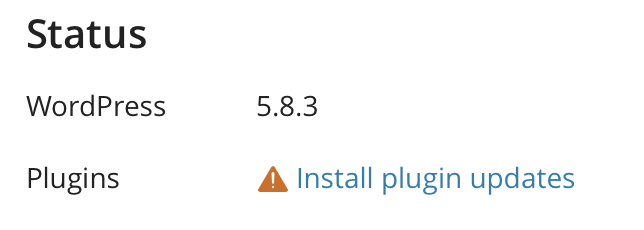
5. The affected plugins will then be displayed. From this screen you can view the Changelog details and select which plugins to update
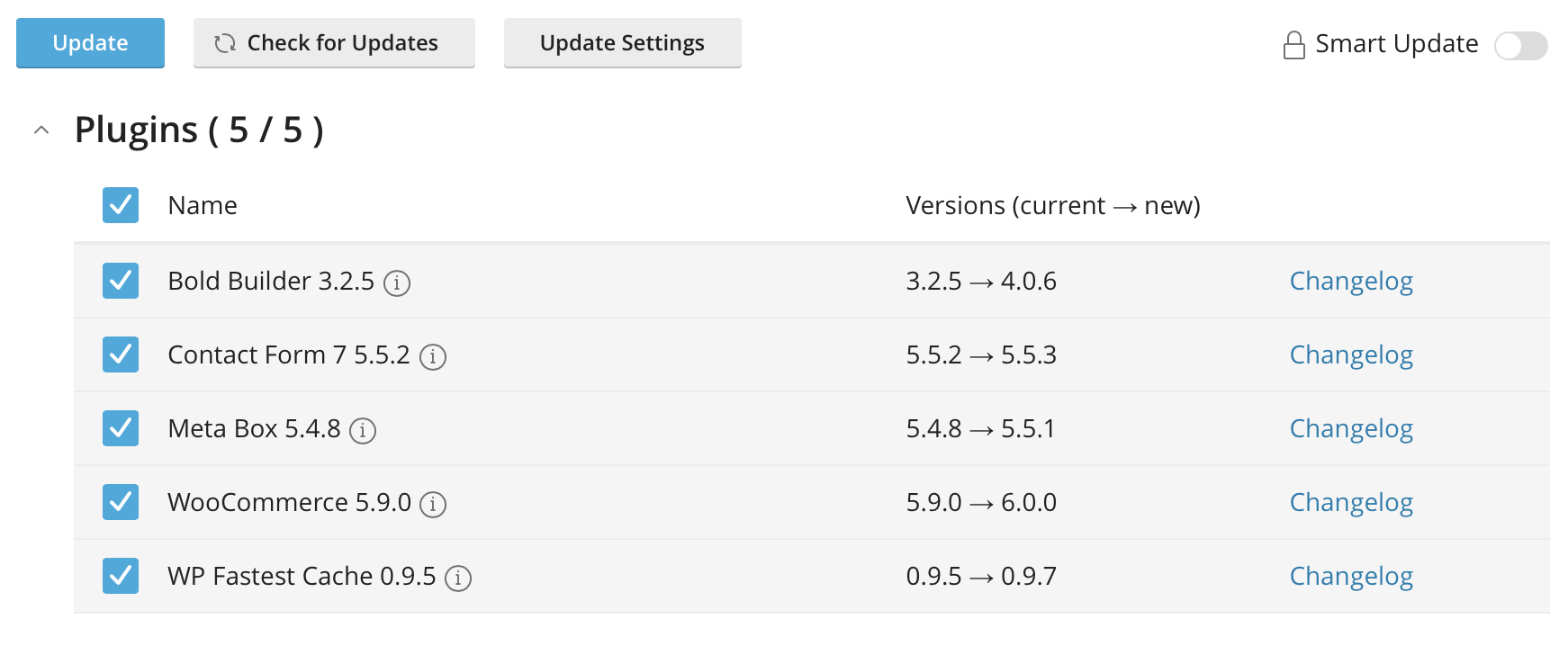
6. Select the Plugins and click Update to begin the update
7. A progress bar will be displayed at the bottom showing you the status of the installation

8. Once complete, a message will be displayed confirming the update was successful

Require additional assistance?
Our dedicated Australian support team is ready to help. Reach out to us via email at support@zeniar.com or by submitting a support ticket through your Zeniar Portal.