Introduction:
Learn how to access your WordPress website through your Zeniar Portal account. This streamlined process allows you to log in to your WordPress dashboard directly from your Zeniar Portal, simplifying website management and access.

Approximately 5 Minute Process
Step-by-Step Guide
1. Login to your Zeniar Portal at https://zeniar.com/portal/
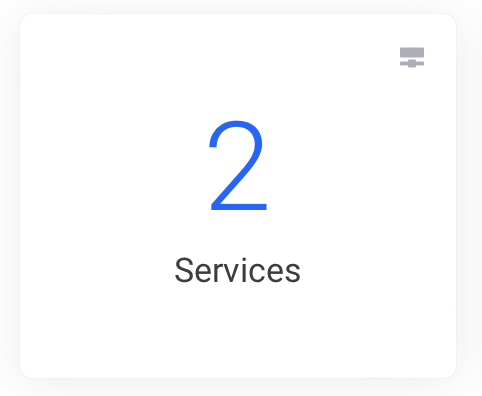
2. Click on Services from the homepage
3. Click on the site that you would like to login to

4. Click on Login to Plesk from the left menu

5. Click on WordPress from the left toolbar

6. Click on the Login button under the preview of your WordPress site
You have successfully logged into your WordPress installation
Require additional assistance?
Our dedicated Australian support team is ready to help. Reach out to us via email at support@zeniar.com or by submitting a support ticket through your Zeniar Portal.