Introduction:
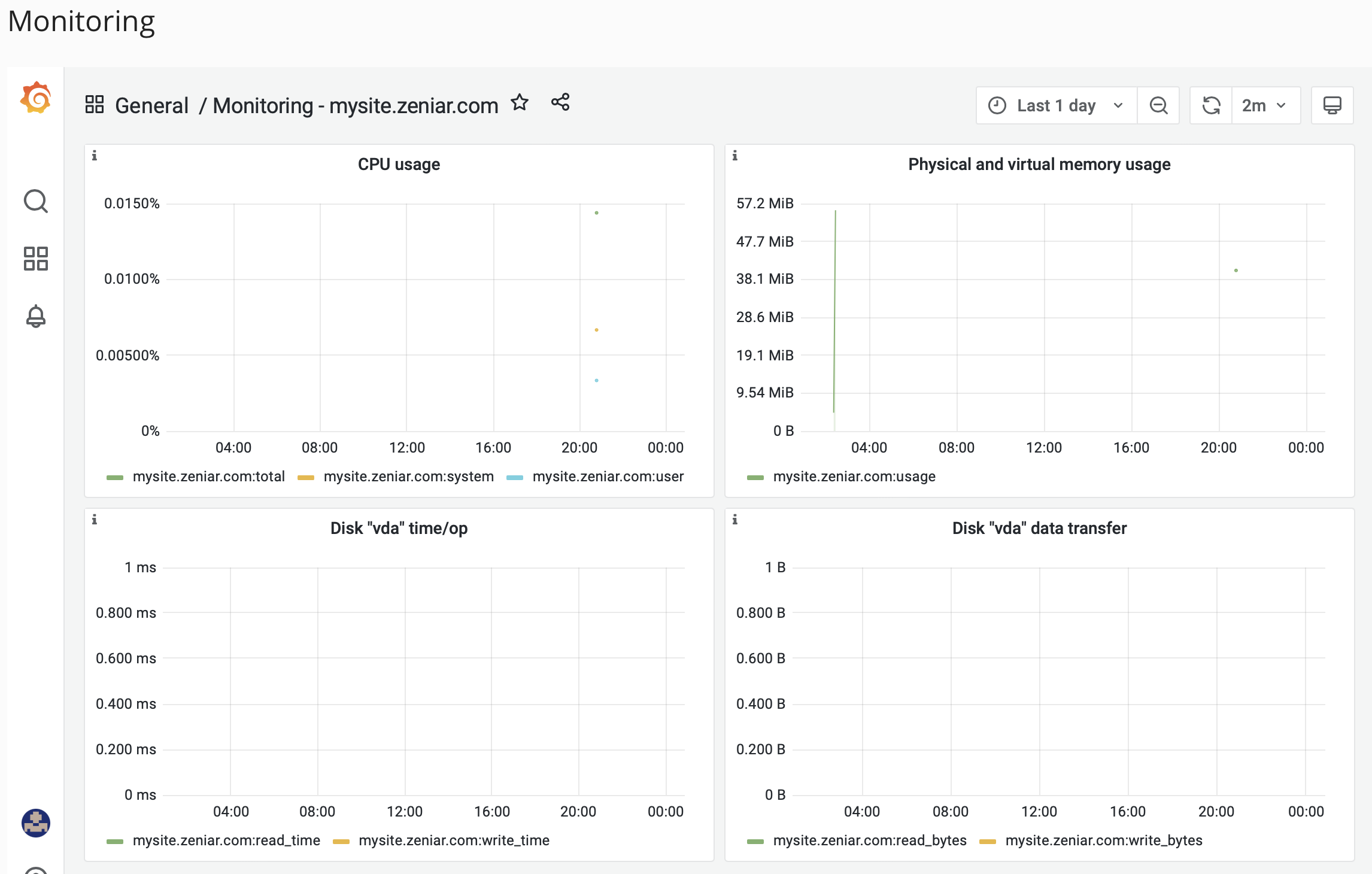
Learn how to monitor your website's server-side performance in Plesk using Grafana. This tool enables you to track CPU and memory usage, providing valuable insights to optimize your website's performance.

Approximately 10 Minute Process
Step-by-Step Guide
1. Login to Plesk from your Zeniar Portal
2. Click on the Website & Database tab from the left toolbar

3. Expand the website you wish to monitor

4. Under Dev Tools, click on the Monitoring option

5. From the top right, you can adjust the time period and the refresh time from the drop down menus

6. The dashboard will then be displayed for your site
Require additional assistance?
Our dedicated Australian support team is ready to help. Reach out to us via email at support@zeniar.com or by submitting a support ticket through your Zeniar Portal.